
Case study · Snow removal website
Snow Removal Website Design: The Elite Snow Removal Case Study
A snow removal website has to do two jobs: show the work, and get a homeowner to ask for a price before the next storm. This is the demo site we built for Elite Snow Removal in Scarborough.
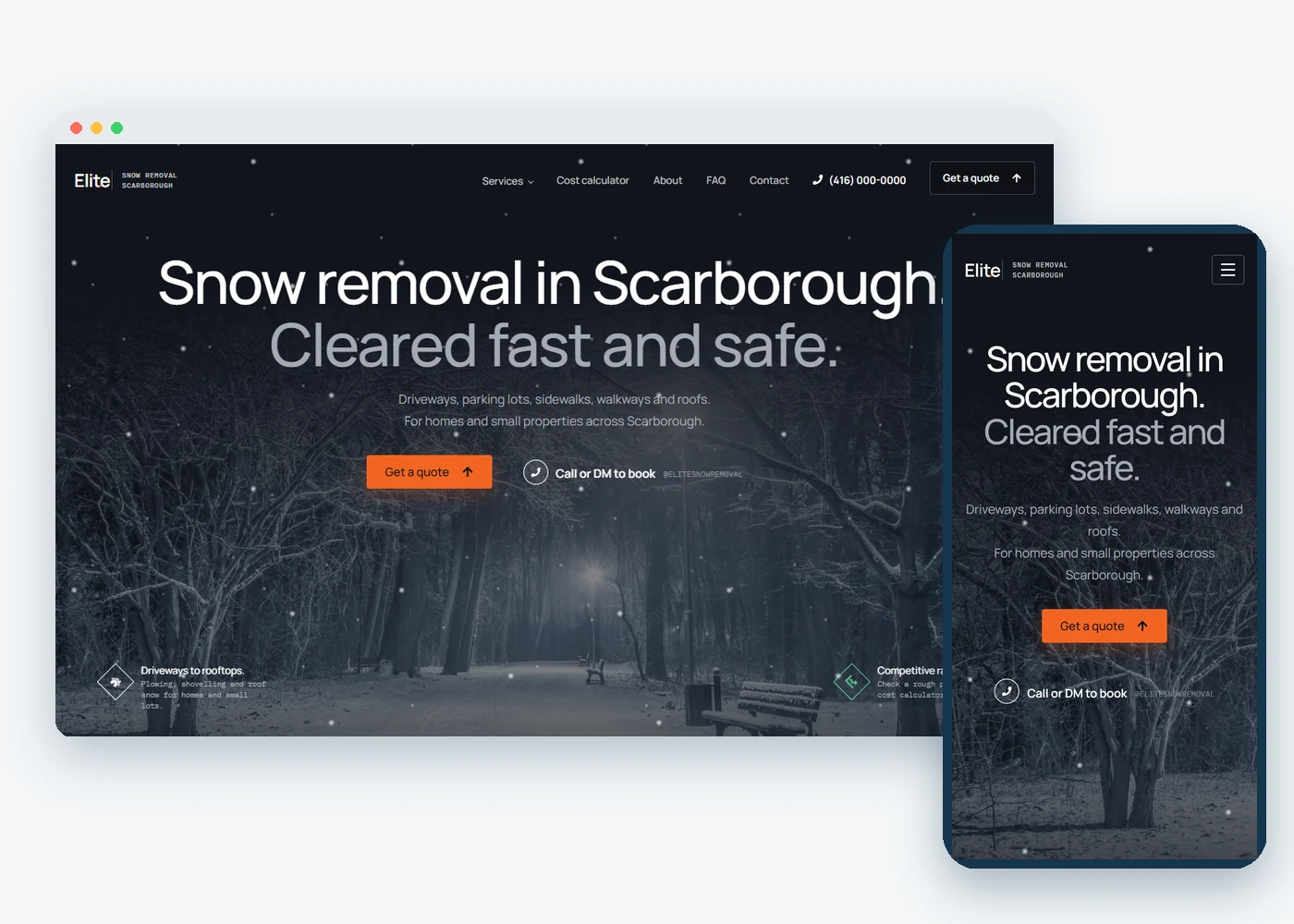
Elite Snow Removal
The business
Scarborough, Toronto
Where it works
WordPress + Elementor
What the site is built on
Demo website + local SEO
What we built
The home page
Scroll the whole home page
From the first screen to the quote form. Every section is a real part of the demo site.
The starting point
From a message thread to a site that takes the request
The situation
Instagram only, no website
Elite Snow Removal ran its business from an Instagram account with a couple of posts. A homeowner who wanted a price had to send a message and wait.
The demo
A site built for the first big snow
One page for every service, a cost calculator that gives a rough price, and a quote form on the page. We built it as a demo to show what the business could have.
Inside the site
Three pages that do the work
A service page, the cost calculator and the quote form. Click any page to see it in full.
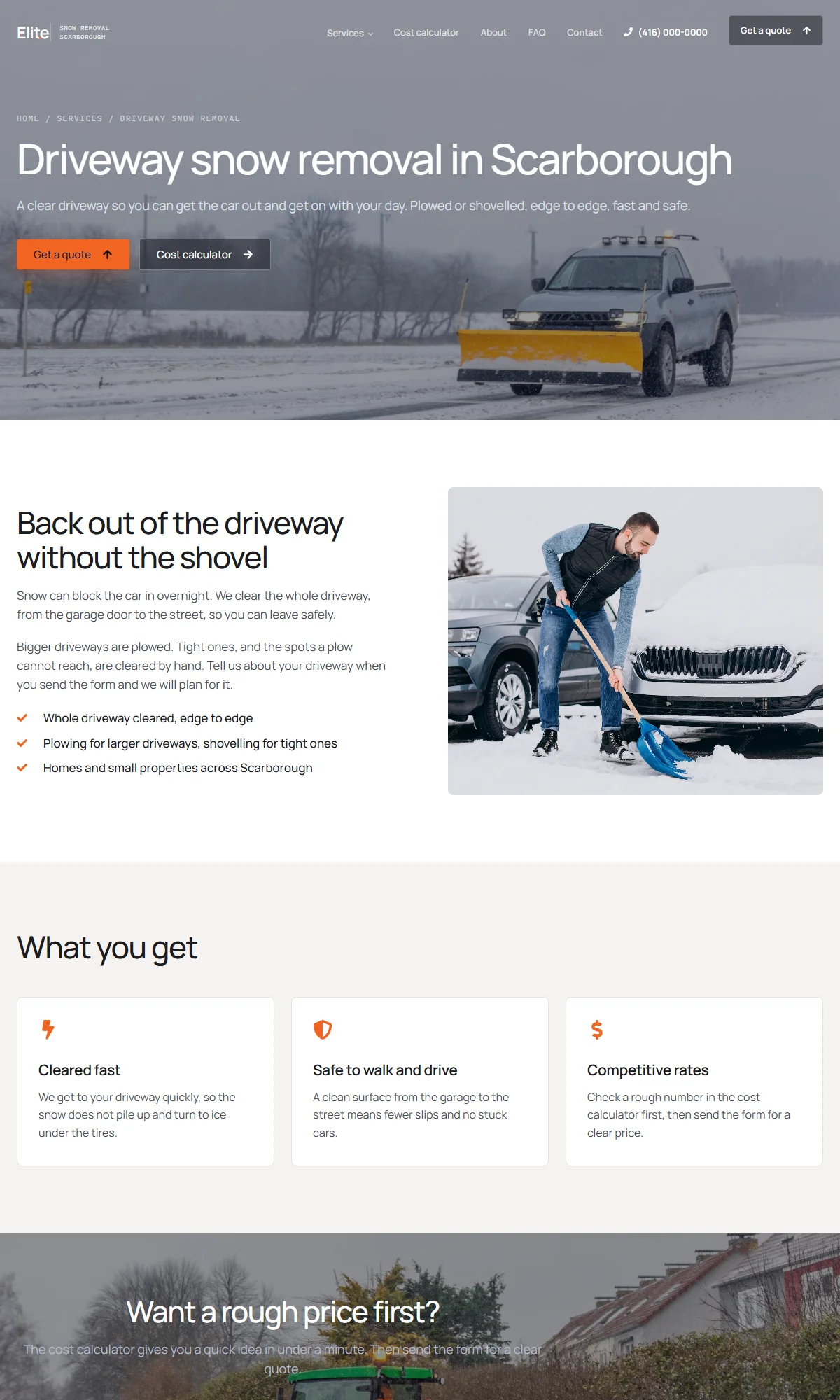
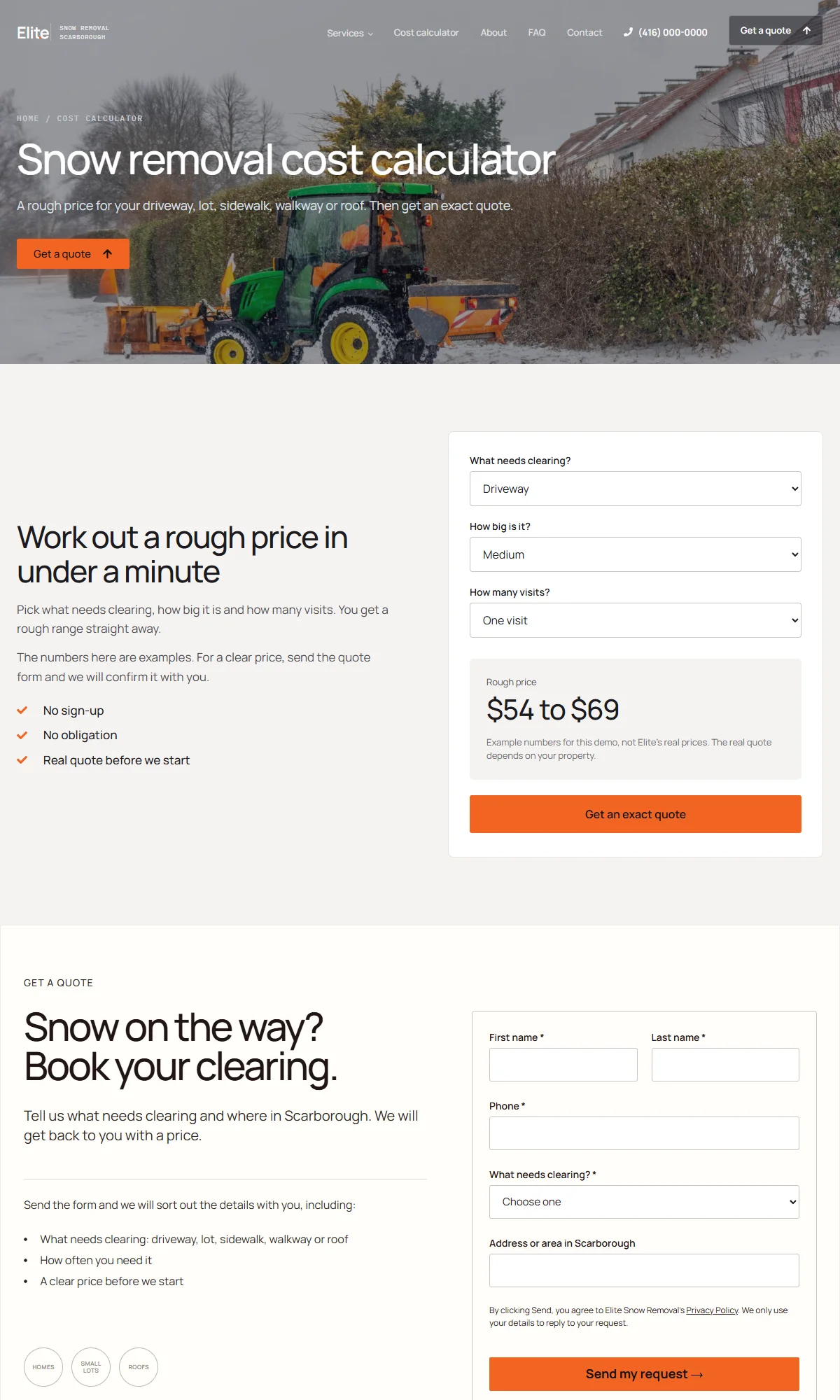
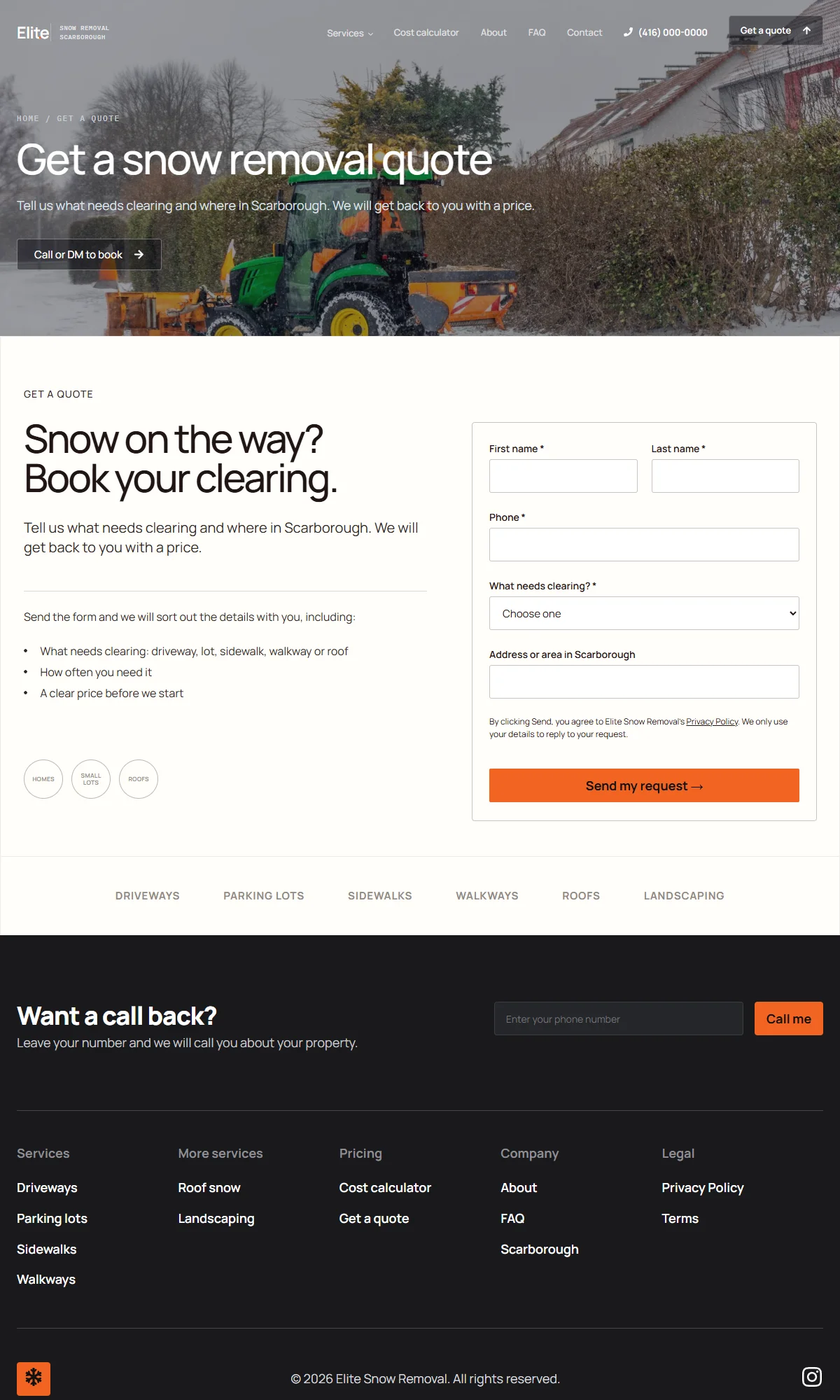
The full site
Every page a snow removal website needs
Fifteen pages in all. Here they are, grouped by the job each one does. Want to see the same idea for a general contractor? Look at the Tidy Site Renovations demo.
1 page
Home page
The first screen, the services, how it works, the service area and a quote form.
Home
6 pages
Service pages
One page for each thing the crew clears, so each one can be found on its own.
Driveway
Parking lot
Sidewalk
Walkway and steps
Roof
Landscaping
1 page
Local page
A page that says where the crew works and which neighbourhoods it covers.
Snow removal in Scarborough
2 pages
Price and quote
The two pages that turn a visit into a request.
Cost calculator
Get a quote
3 pages
Trust pages
What a homeowner checks before they send a message.
About
FAQ
Contact
2 pages
Legal
The pages every site that collects a request needs.
Privacy Policy
Terms
How it is built
What the site does for the business
1
One page per service
Driveways, parking lots, sidewalks, walkways, roofs and landscaping each get their own page, so a search for one service lands on that service.
2
A rough price before the call
The cost calculator gives a ballpark for the job. It is clearly labelled as an example, so a homeowner knows what to expect before they ask.
3
A request that reaches the owner
The quote form and the call-back form save the request and email it to the owner, so no message gets lost in an inbox of DMs.
4
Built for a phone in the cold
Most visitors arrive on a phone, often outside. The menu opens full screen and the Call and Get a quote buttons stay easy to tap.
5
Local details on every page
Scarborough is named on the page that covers the area, with the neighbourhoods listed and a map, so Google and people both know where the crew works.
6
Winter feel, light on speed
Falling snow in the first screen and small hover effects make the site feel like snow season without slowing the page down.
Questions
Snow removal websites, answered
What pages does a snow removal website need?
A home page, one page for each service, a page for the area you cover, a way to get a price, and a contact page. Each service page should say what you clear, who it is for and how to ask for a quote. We build the same set of pages for other trades on our contractor web design page.
Does a snow removal company need local SEO?
Yes. People search for snow removal with a place name, like snow removal in Scarborough. A page for the area, a page for each service and a matching Google Business Profile help Google connect the business to those searches.
Should a snow removal website show prices?
A rough price helps, as long as it is clearly marked as a guide. A cost calculator lets a homeowner see a ballpark in under a minute, then ask for an exact quote.
How should customers book snow removal online?
A short quote form on the page and a call-back form in the footer work best. The owner gets the request by email and can reply the same day.
How long does a snow removal website take to build?
It depends mostly on how fast the business sends photos, services and area details, not on the building itself. A small site with a page for each service can go up in days once those arrive. Here is what really sets how long a website takes.
More work
Other case studies



Want a website like this for your crew?
Tell us about your business and we’ll review your local market first.