
Is your dental website design helping you get patients from your local area, or is it being ignored? Just having a website is not enough anymore.
Since most dental visits happen in person, your website needs to focus on people nearby first. That is why local-first dental website design is so important.
In this blog, I will explain what local-first dental website design means and why it helps you get more local patients. You will also learn about common mistakes dental websites make and what pages and features your site needs to get more appointments.
By the end, you will understand how to make a dental website design that works for your community. Let’s get started
What Is Local-First Dental Website Design?
Dental website design goes beyond just having nice pictures and colors. Local-first dental website design means creating a site based on how people search for dentists nearby. Most people look for a “dentist near me” or “dental clinic in [your city]” instead of just any dentist.
Why Many Dental Websites Do Not Work for Local Patients
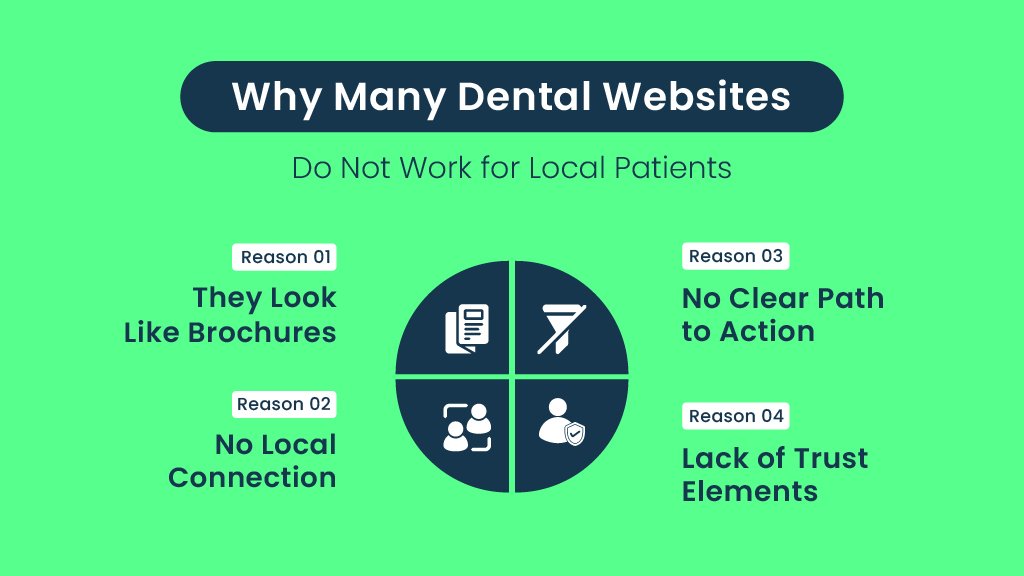
You might think that any website that talks about your services and shows your office will bring in local patients. Unfortunately, this is not true for many dental websites. There are a few common reasons why most dental websites fail to attract local traffic or convert visitors into patients.
Let’s see why.
They Look Like Brochures
Many dental websites are designed like online brochures. They have lots of general information about the practice, photos, and maybe a contact page. However, they do not focus on the local audience. This means visitors often cannot quickly find information that is relevant to their location or immediate needs.
No Local Connection
If your website does not clearly show where you are located or which neighborhoods or cities you serve, local patients will not feel confident choosing your practice. Also, search engines have a hard time ranking your website for local searches if there is no local content or location information.
No Clear Path to Action
Another big problem is when the website does not make it simple for visitors to book an appointment or call your office. If patients cannot easily find a button or link to schedule their visit, they are likely to leave and find a competitor who makes the process simpler.
Lack of Trust Elements
Trust is everything when it comes to dental care. If your website does not include reviews, testimonials, or information about your dentists and staff, visitors may hesitate to choose you. Without trust signals, your site will lose patients to other practices that show social proof.
The Must-Have Pages for Every Dental Website
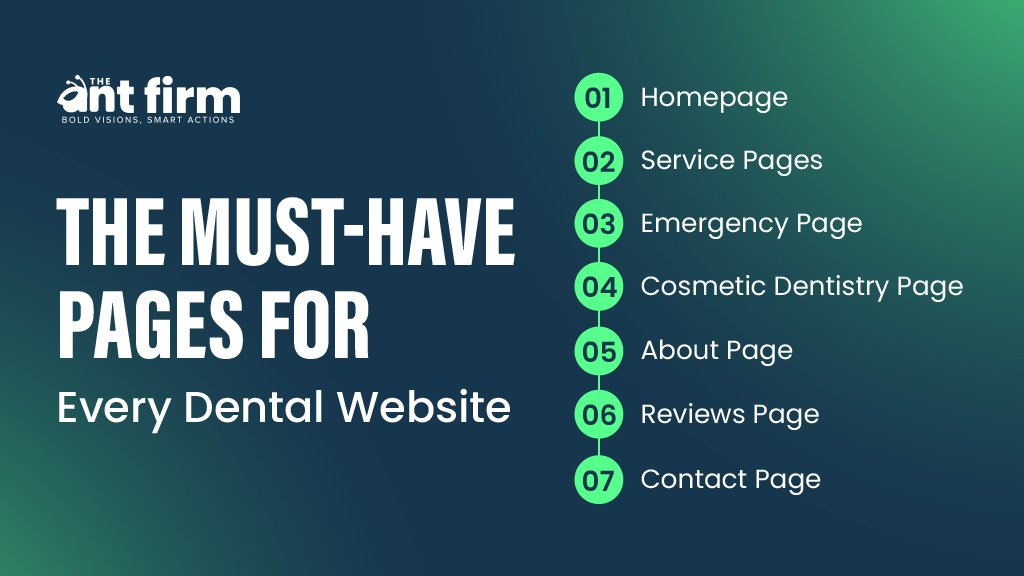
To succeed in local search and convert visitors into actual patients, your dental website design needs to include certain key pages. Each page serves a clear purpose in building trust, answering questions, and guiding visitors toward booking an appointment.
A great example can be used as this:
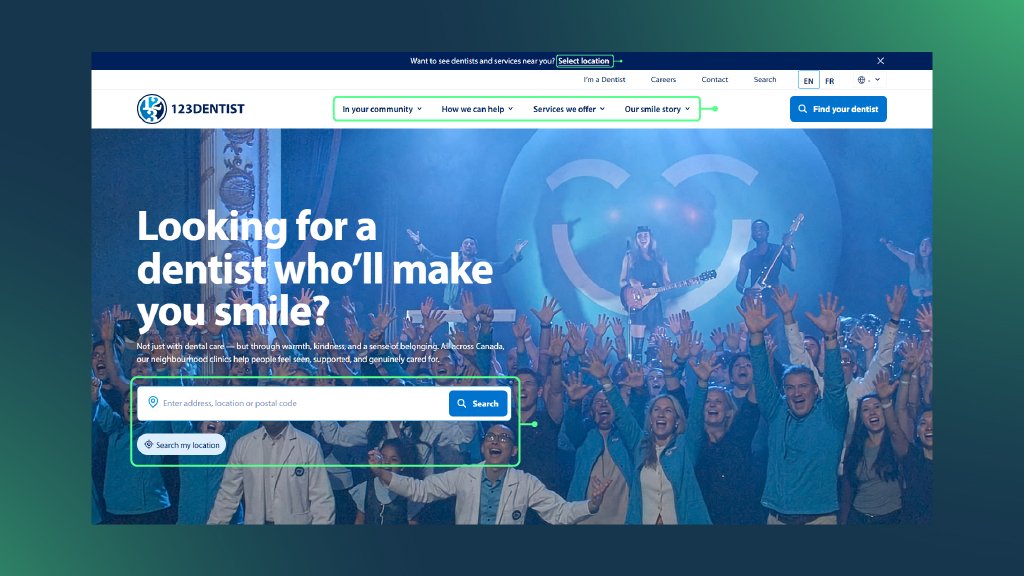
Let’s learn about the must have pages here.
Homepage
Your homepage should quickly build local trust and highlight your main call to action, such as “Book an Appointment” or “Call Us Today.” It should clearly show your location and services and feel welcoming.
Service Pages
Create separate pages for each dental service you offer. This helps you match what potential patients are searching for. For example, if someone searches for “dental implants near me,” your dental implants page should appear and answer their questions.
Emergency Page
A page dedicated to emergency dental care helps capture patients who are in pain and need immediate help. This page should stand out and explain how your practice handles urgent dental problems.
Cosmetic Dentistry Page
People looking for cosmetic treatments like teeth whitening or veneers are often ready to spend money. This page targets that buyer intent with detailed information about cosmetic services.
About Page
Use the about page to share your story, introduce your dentists and staff, and build trust. This page helps patients feel connected to your practice before they even visit.
Reviews Page
Showcasing positive reviews and testimonials gives social proof and reassures visitors that others have had good experiences with your practice.
Contact Page
Make it very easy for patients to find your address, phone number, and a simple way to get in touch or book an appointment. Including an embedded Google Map here is essential for local SEO.
Local Pages That Bring Patients Through Your Doors
One of the most important parts of a local-first dental website design is having dedicated pages focused on the neighborhoods and cities you serve. These pages help your site rank for searches specific to those areas and make your practice feel like a real part of the community.
For example:
- A page titled “Dentist in [Your City]” helps you show up in local search results and the Google map pack.
- Pages like “Dentist near [Neighborhood]” capture searches from people looking for care close to home.
- An “Areas We Serve” page lists all the towns and neighborhoods your practice covers, expanding your reach.
- You can also have content that talks about dental care needs specific to your local community.
Building Trust: What Converts Visitors into Patients
A dental website design that converts visitors needs to build trust right away. There are several key elements that help patients feel confident choosing your practice.
- Testimonials Widget
Showing real patient feedback directly on your site reassures new visitors. - Google Reviews Embed
Displaying your Google reviews adds credibility because it is verified and transparent. - Doctor Credentials
Listing your dentists’ qualifications and experience lets people know they are in expert hands. - Team Photos
Putting friendly faces on your website makes your practice feel welcoming. - Before and After Gallery
Showing visual proof of your dental work helps build confidence in your skills. - Video Testimonials
Videos give an authentic feel and connect emotionally with visitors.
Clinic Interior Photos
Pictures of your office help reduce anxiety and make patients feel more comfortable before their visit.
Making It Easy for Patients to Take Action
Trust alone is not enough, you also need to make it super simple for visitors to take the next step and contact your office or book an appointment.
- Sticky Call Button: Keeping your phone number visible as visitors scroll the site encourages them to call anytime.
- Online Booking System: Allowing patients to book their appointments online at any time is convenient and increases conversion.
- Text or WhatsApp Contact Options: Giving patients modern communication choices lets them reach out easily with questions or confirmations.
- Clear Calls to Action: Buttons like “Schedule Now” or “Contact Us Today” guide visitors to take immediate steps.
- Emergency Service Banner: Highlighting emergency dental care helps capture urgent cases quickly.
- Insurance Information: Displaying which insurance plans you accept removes confusion and speeds decision making.
The Technical Side of Local Dental Website Design
For your dental website design to rank well in local searches and deliver a smooth experience, some technical details cannot be ignored.
- Your website should load quickly, especially on mobile devices since most searches happen on phones today.
- Use clean and simple URLs that make it clear what each page is about.
- Organize your content with proper headings so visitors and search engines can easily understand your site structure.
- Add schema markup, which is a way of providing detailed information to search engines that helps your listings stand out in search results. You can learn more about this on Google’s official documentation.
- Embed a Google Map on your contact page to show your exact location.
- Make sure your name, address, and phone number (NAP) are consistent everywhere online.
For website speed test you can use this site.
What a Local-First Dental Website Looks Like in Practice
A well-optimized local dental website will have natural use of location keywords throughout the content, an embedded interactive map, visible patient reviews, clear online booking options, and separate pages focusing on neighborhoods and services.
Read More: What is a local website?
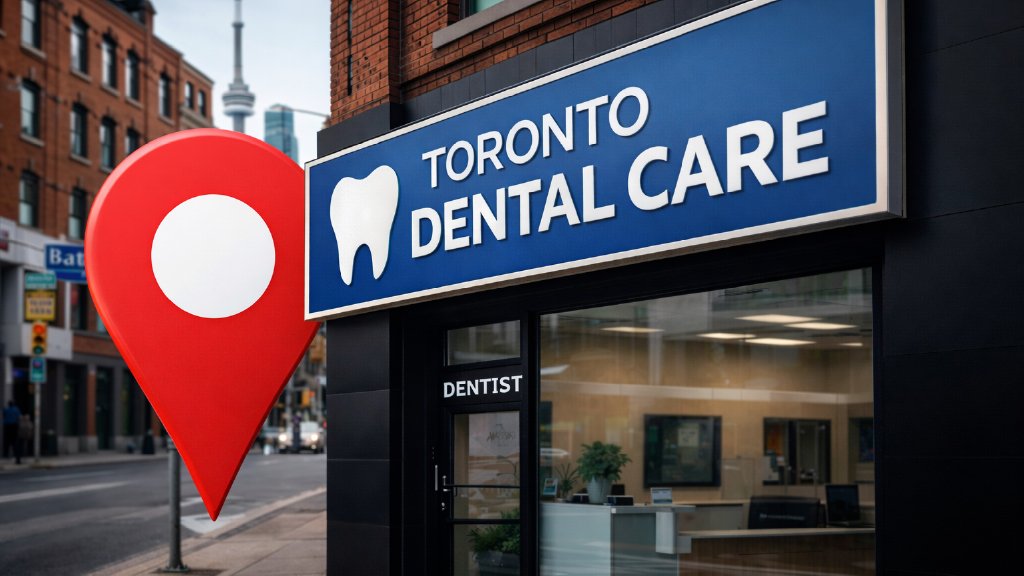
Real-Life Example of a Local-First Dental Website Design
A local-first dental website often includes:
- Simple service pages that explain each treatment clearly.
- Neighborhood or area pages that mention nearby locations so visitors know you are close to them.
- Local keywords are added in a natural way, not forced or repeated too much.
- Clinic and team photos that help people feel comfortable before visiting.
- Real patient reviews that build trust and show real experiences.
- Clear calls to action that make it easy to call, book, or message.
- Helpful internal links that guide visitors to the right pages without confusion.
.
Common Mistakes to Avoid in Dental Website Design
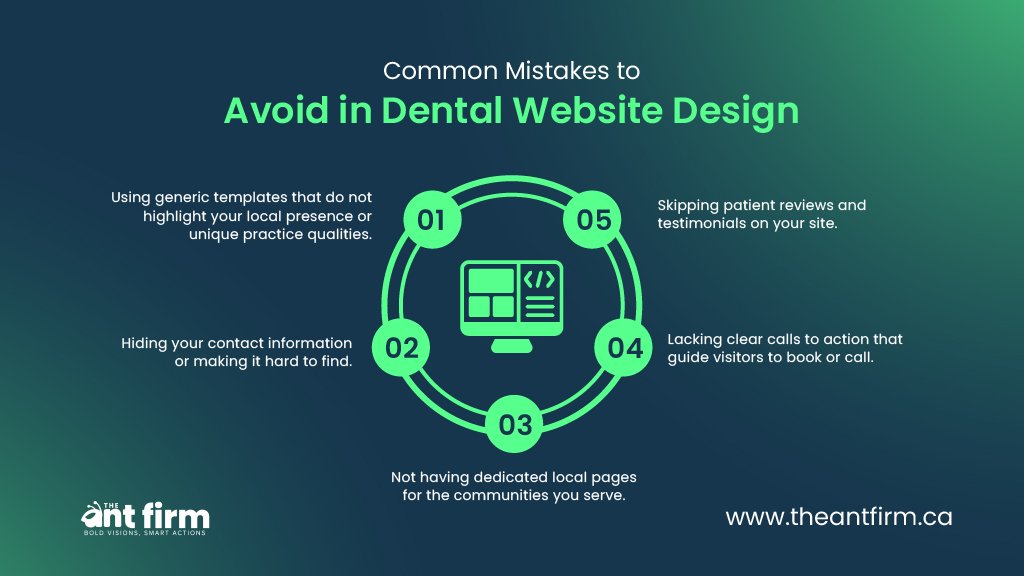
To get the most from your website, avoid these pitfalls:
- Using generic templates that do not highlight your local presence or unique practice qualities.
- Hiding your contact information or making it hard to find.
- Not having dedicated local pages for the communities you serve.
- Skipping patient reviews and testimonials on your site.
- Lacking clear calls to action that guide visitors to book or call.
How Smart Dental Website Design Helps Your Local SEO
Good dental website design makes it easier for people in your area to find your clinic. When your pages are clear and your details are easy to spot, search engines understand your site better. This helps your clinic show up when someone nearby searches for a dentist.
Search engines look at your headings, your address, your phone number, and how clearly you explain your services. When this information is easy to read, your site looks trustworthy.
Your place in the map pack also depends on reviews and how people use your site. A clean dental website design makes visitors click, call, or book. These actions show search engines that people trust your clinic, which helps your ranking.
When your titles mention your city, people feel your clinic is close to them. This often leads to more clicks and more new patients.
What To Do Next
If your current website does not feel like it’s helping your practice grow locally, consider having an audit or consultation with experts. They can point out exactly what is missing and suggest improvements to attract more local patients. You might also want to explore this useful resource about dental website design and SEO for dentists from The Ant Firm.
End Note
In the end, a dental website design that focuses on local patients is important for any practice wanting to grow nearby. It helps people close to you find your site and makes it easy for them to book appointments.
If you want your dental website design to bring in more local patients, it’s best to work with people who know how to do it right.
For more details on local dental website design and to get started on upgrading your site, visit The Ant Firm’s web design services in Toronto.